

Install using Google Tag Manager
- Signup for an account here if you haven't already
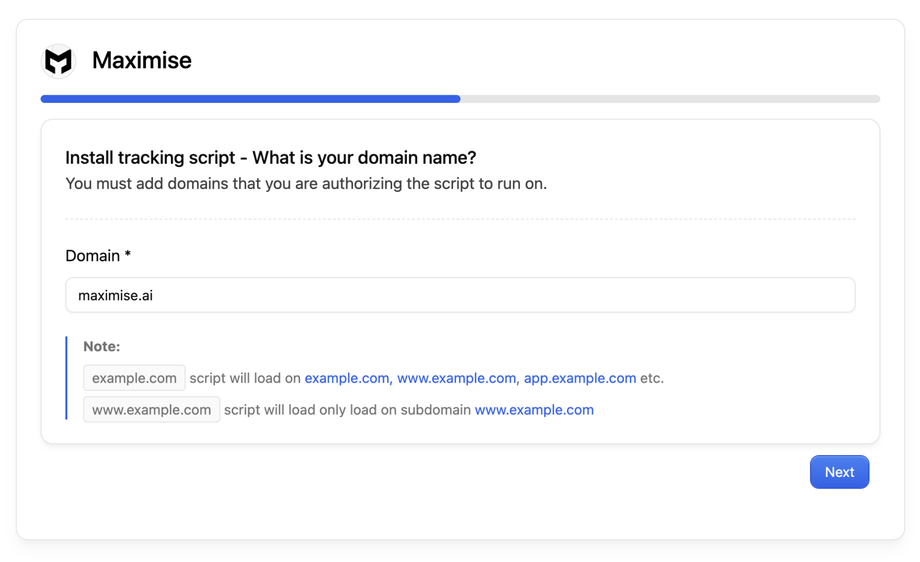
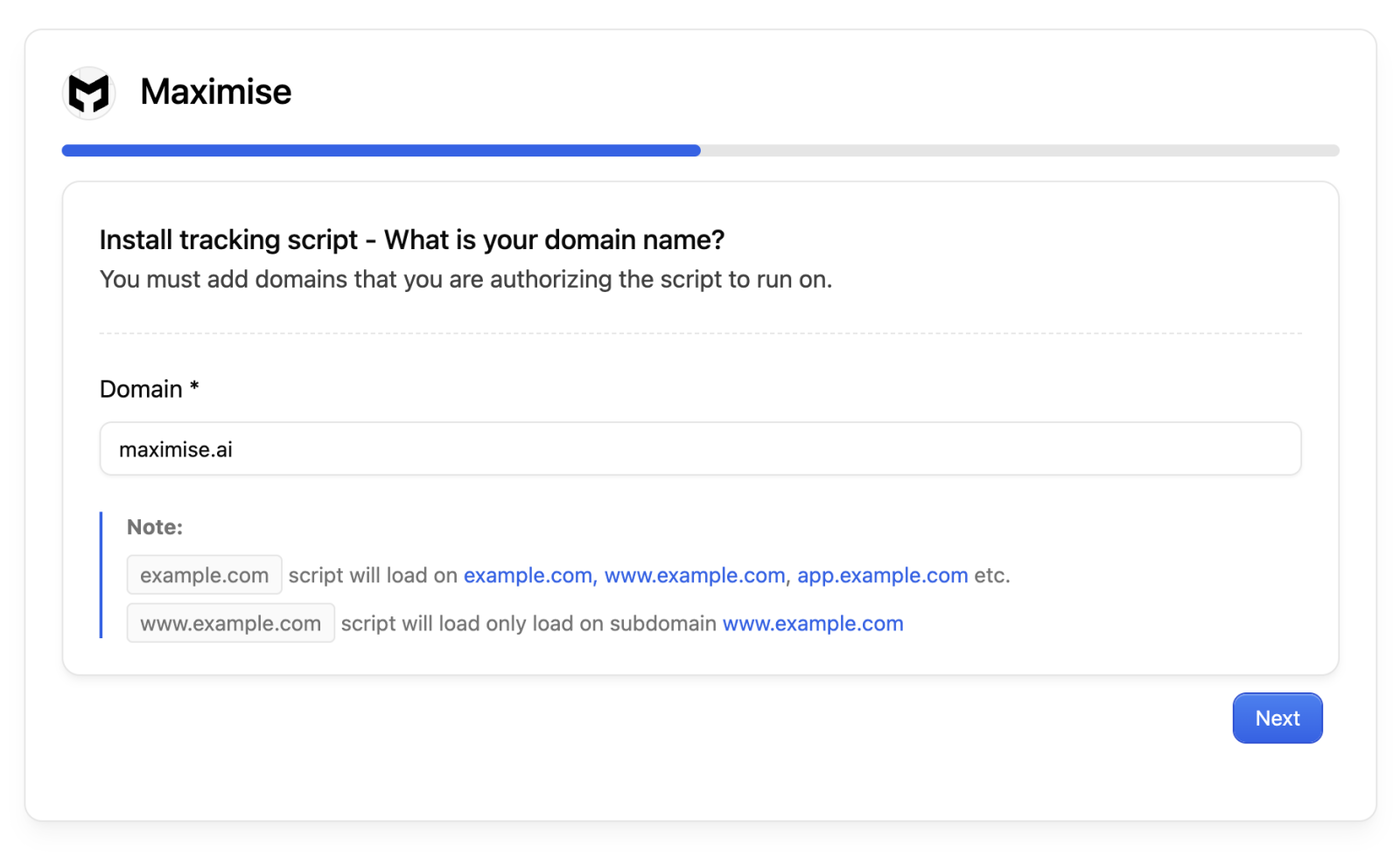
- During onboarding, enter the domain you want to place the script on.
- You will see a script tag on your screen and a installation status "Awaiting script installation"
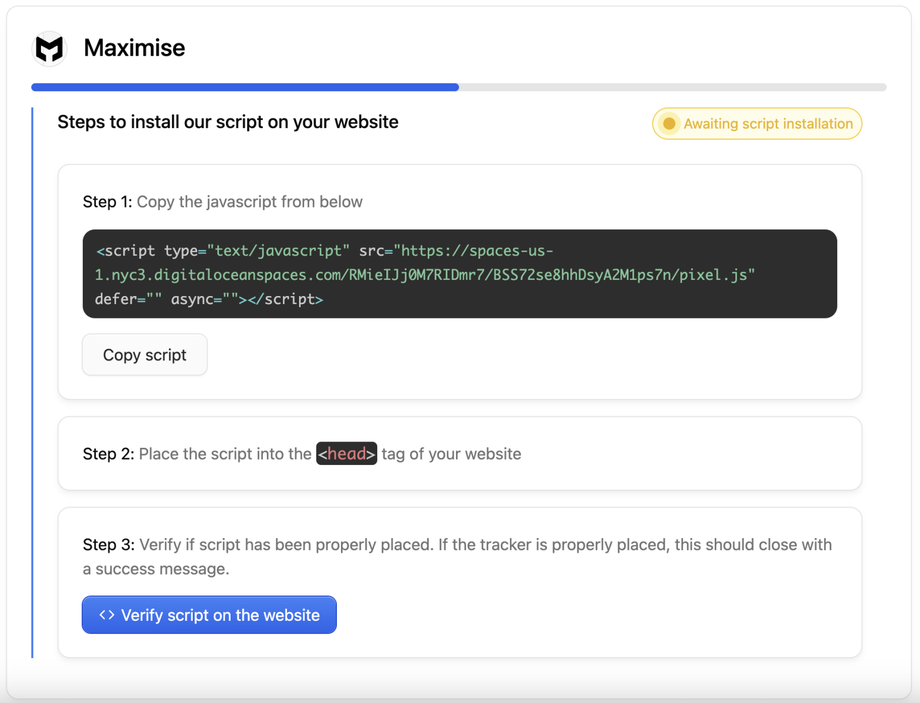
- Copy and paste this script into the head section of your website

- Once done, click "Verify script on the website"
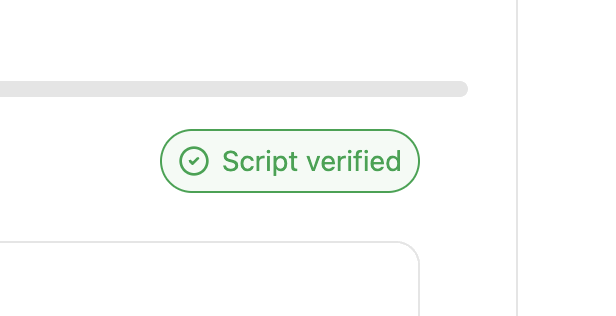


That's it, once done you will start receiving alerts on visitors visiting your website along with their contact information.